For lean software vendors
A researched profile, where lean buyers already read
lean-stack lists lean software next to the methods, guides and calculators people use to learn lean. Your profile is free, built from your public pages, and links straight to your site.
150
tools listed
27
software categories
29
lean method pages
40
guides
8
free calculators
Inside a profile
Everything a buyer checks before a demo
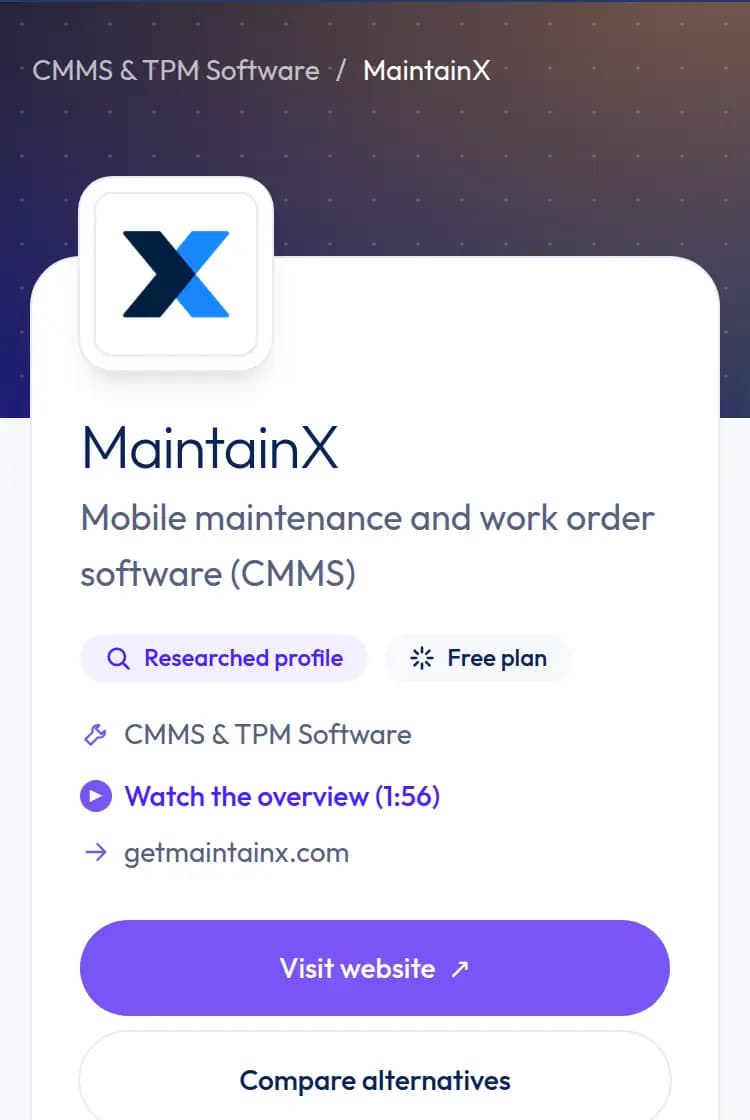
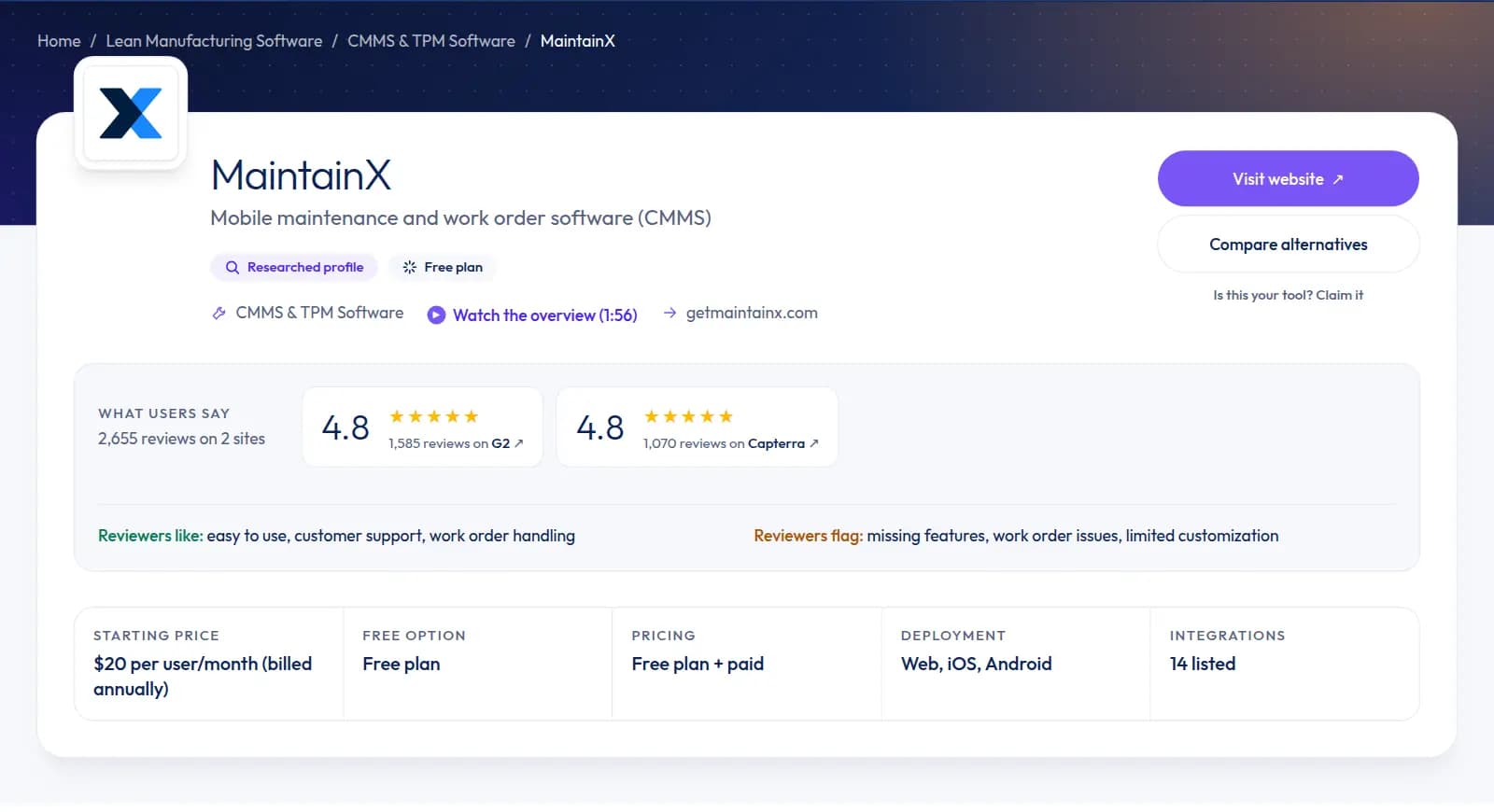
Profiles follow one format, so buyers can compare tools quickly. These screenshots are from the MaintainX profile, which has every section filled in.
Pricing
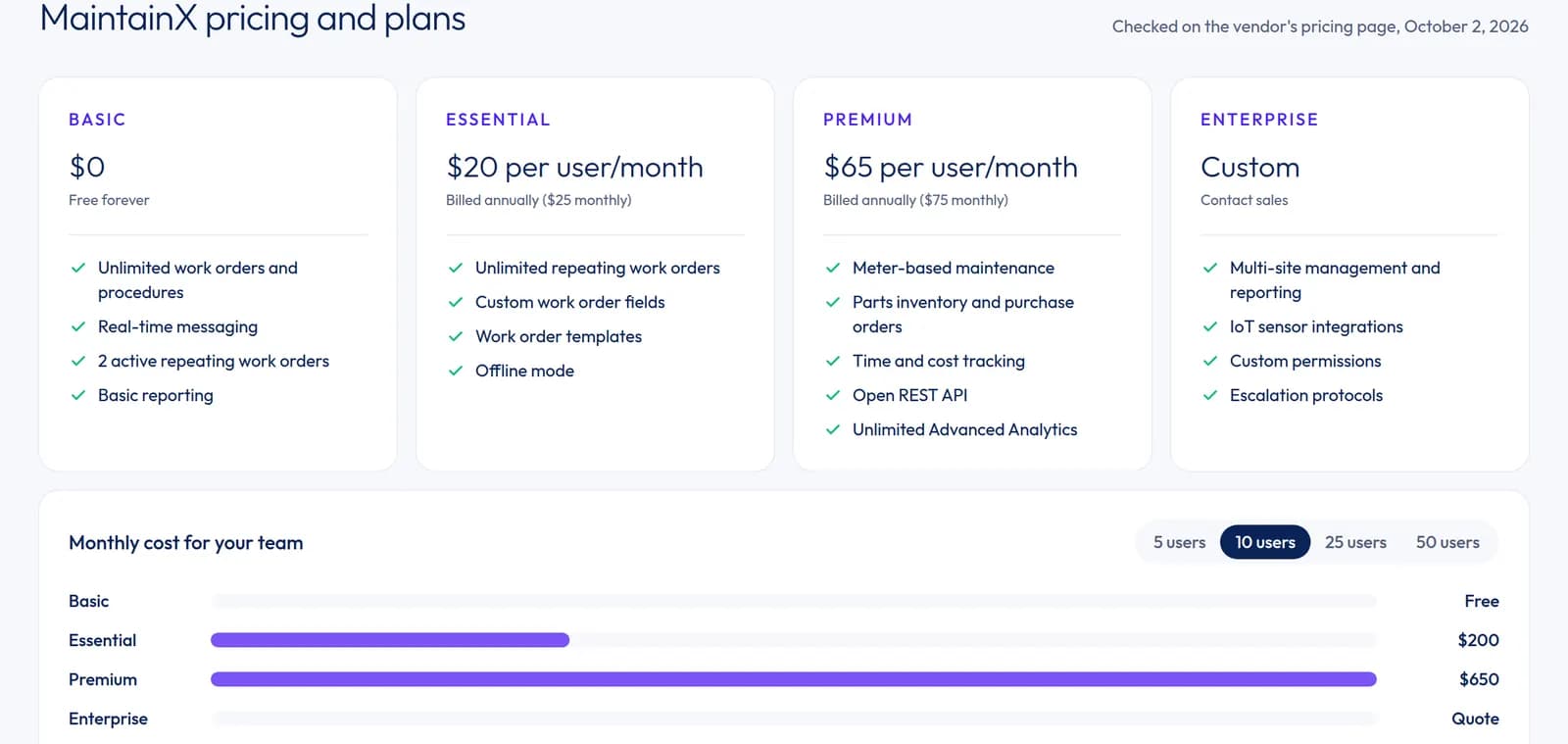
Plans and prices, checked and dated
Every profile lists the plans from your pricing page, with what each includes and the date we checked it. Where you publish per-user prices, buyers get a cost chart for 5, 10, 25 or 50 users. Quote-only products are shown as quote-only, and we do not estimate a price for them.
Integrations
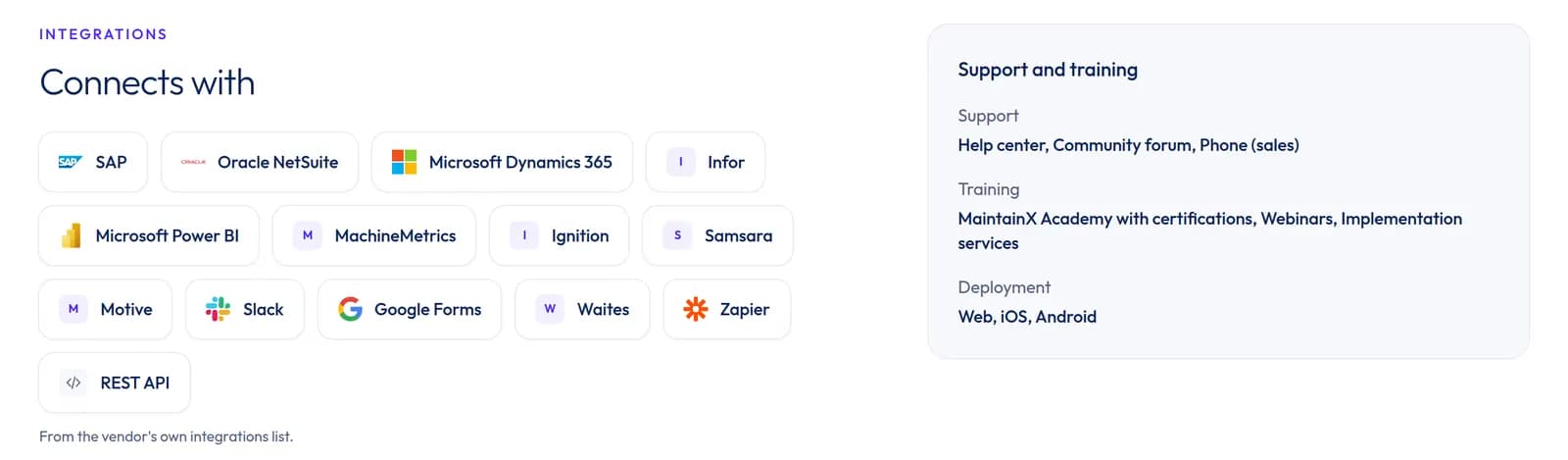
The systems you connect to, with logos
Integrations come from your own integrations list and show as chips with logos, next to your support channels, training and deployment options. Buyers checking fit with their ERP or chat tool see it at a glance.
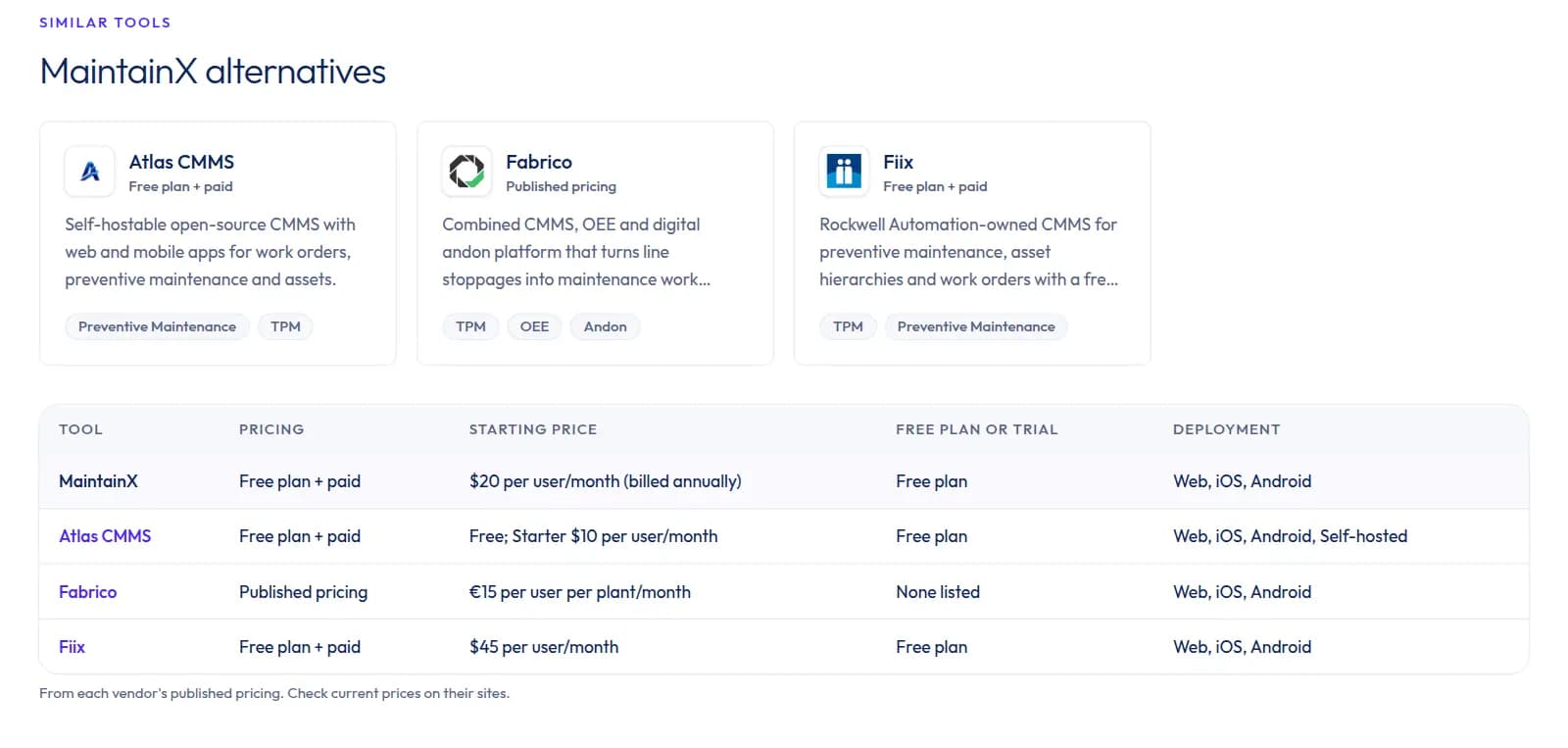
Alternatives
A fair comparison buyers would make anyway
Each profile compares you with similar tools on pricing model, starting price, free plan and deployment, in one table. Buyers who compare stay on a page where your facts are accurate, and your profile appears as an alternative on theirs.
Also on every profile
- An overview and the lean-stack take
- Key features and the lean techniques supported
- Strengths, limitations and who it fits
- G2 and Capterra ratings as linked numbers
- An official product video, where one exists
- Answers to the questions buyers ask
Where buyers find you
Linked from the pages people learn lean on
Most visitors arrive to learn a method or run a number. Each of those pages leads to the software that supports it.
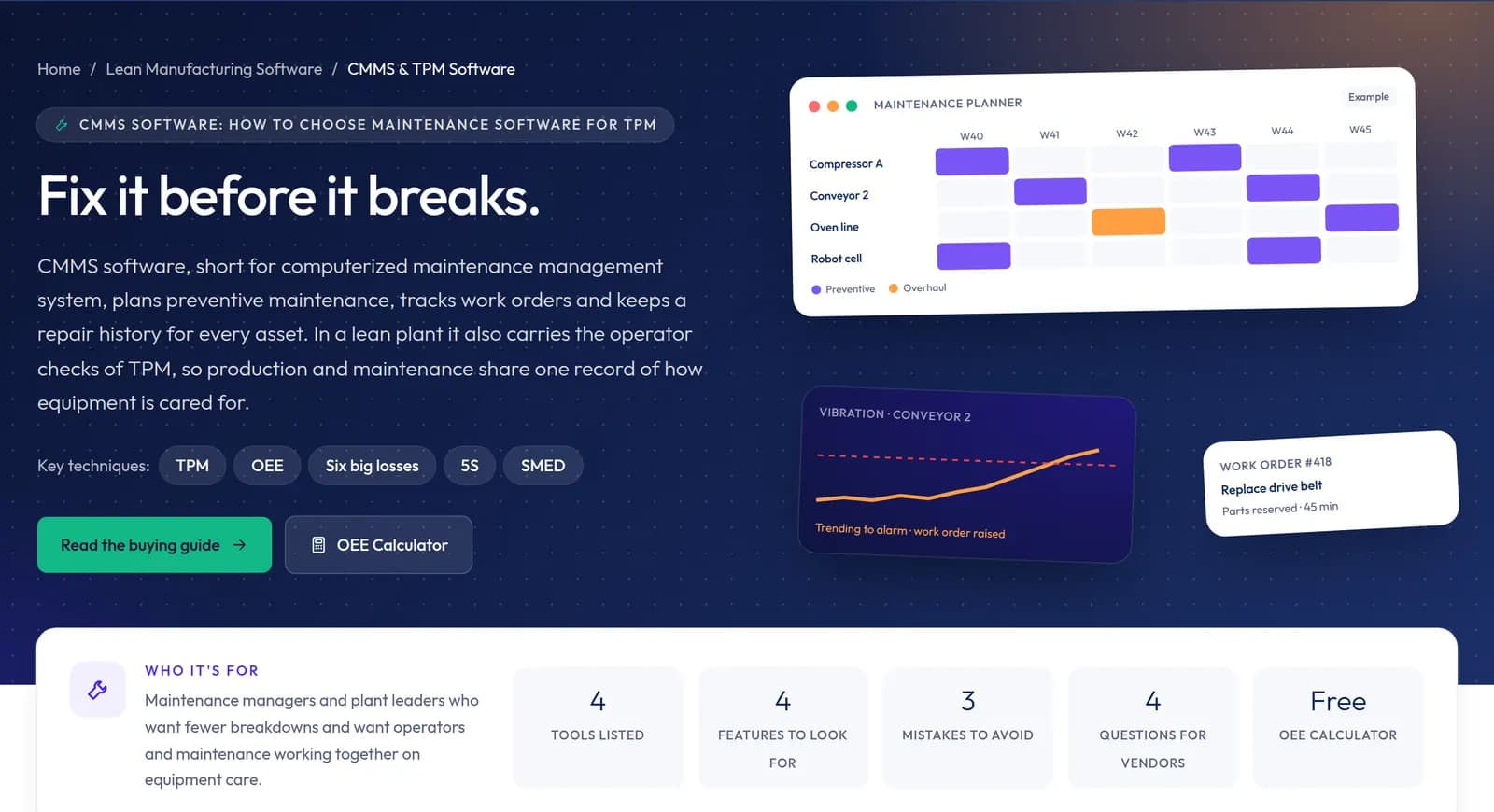
Category pages
Your tool is listed in its category with a buying guide, a pricing table and the lean techniques it supports. Tools can also appear in a second category.
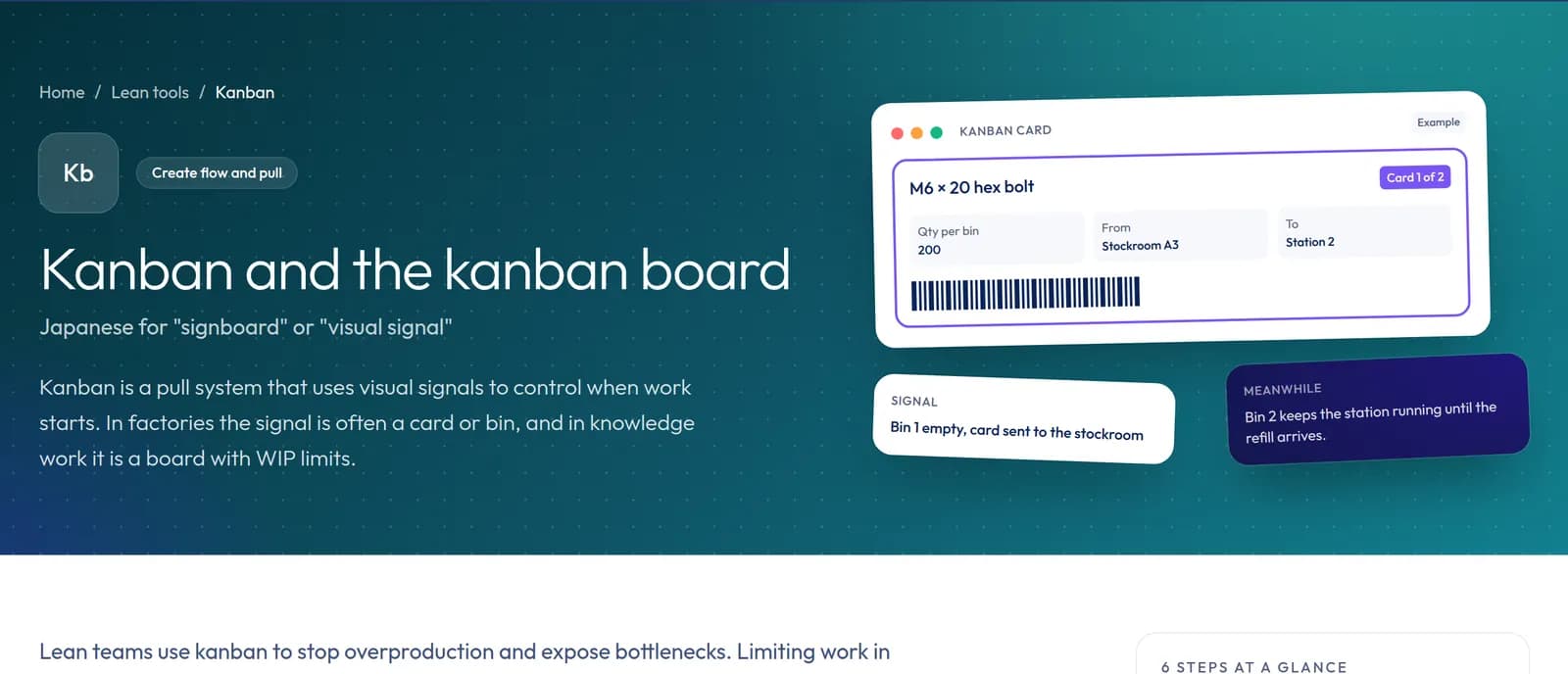
Lean method pages
29 method pages, from kanban to SMED, explain each technique and link to the software categories that support it.
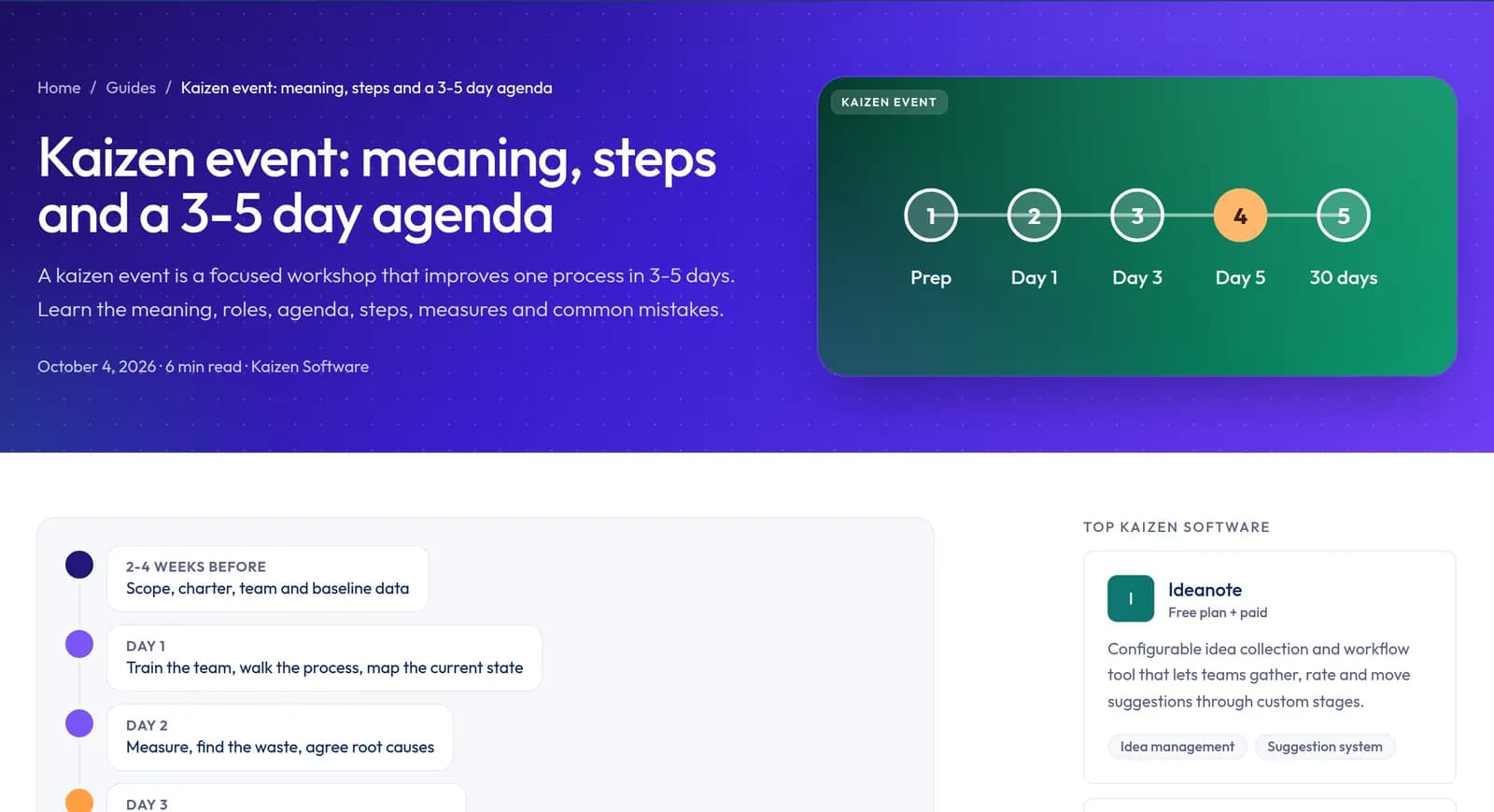
Guides
Practical guides show tools from the related category in their sidebar, so readers who are learning a practice also see the software for it.
Free calculators
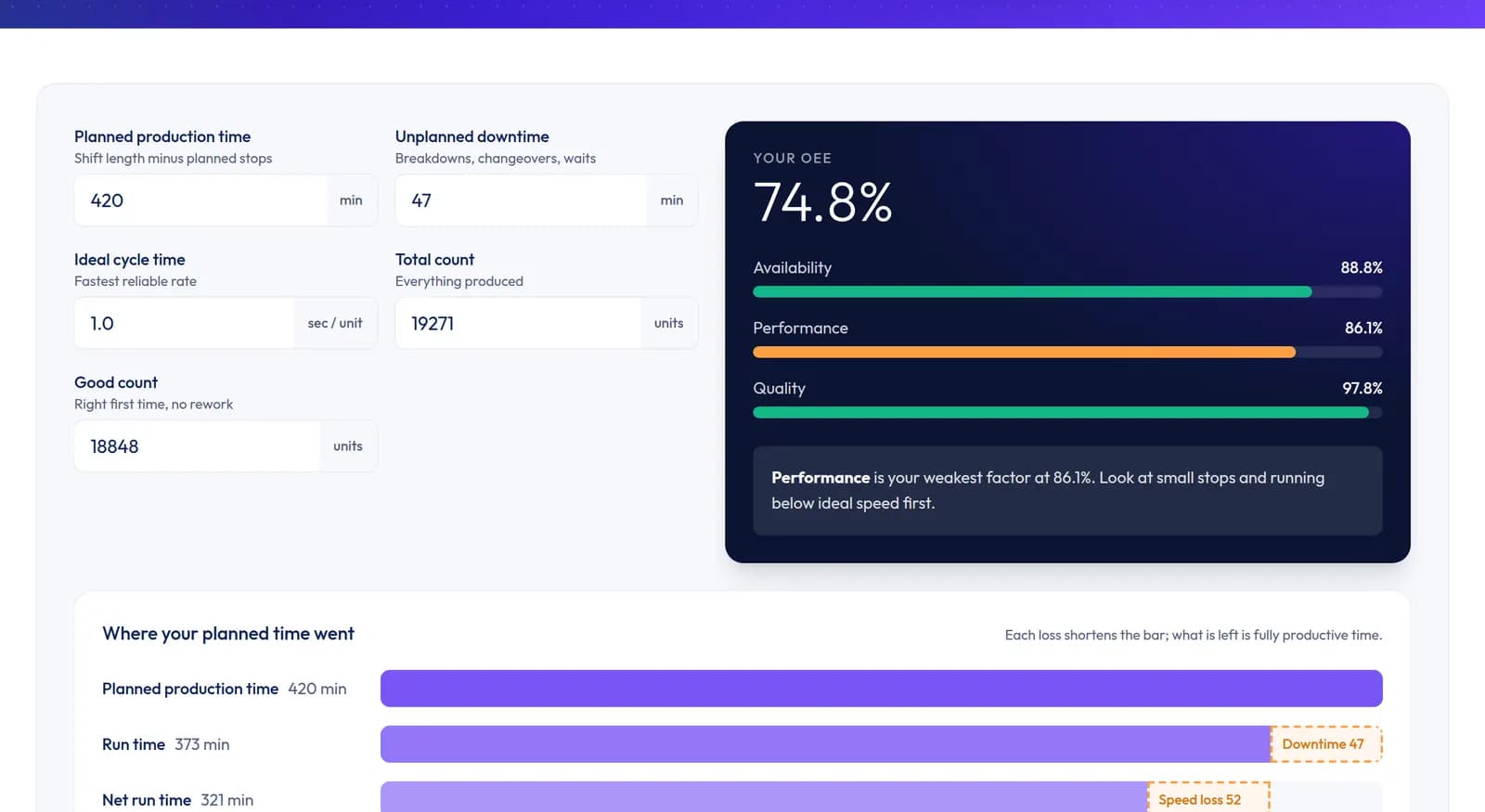
OEE, takt time, kanban and five other calculators point users who want to track the number automatically to the matching category.
How profiles are built
From your public pages, with sources
Read more about the method on how we research.
- 1
Research
We read your website, pricing page, documentation, integrations list and official videos.
- 2
Check and date
Prices, plans and ratings carry the date they were checked. Ratings from G2 and Capterra are shown as numbers with links, never as copied review text.
- 3
Publish with sources
The profile goes live with its sources listed at the bottom, so anyone can verify a fact.
- 4
Claim and correct
Vendors can claim a profile from the link on the page and send corrections. Fixes are made against your public pages.
Same terms for every tool
No pay-to-rank, no lead forms
Free to list
Listings cost nothing, today or later.
No paid placement
Lists are alphabetical. No tool is sponsored, featured or ranked for money.
A direct link to your site
Visitors go straight to your website. There are no lead forms in between.
Any size of tool
Enterprise and quote-only products are listed on the same terms as free tools.
Example profiles
See complete profiles



Frequently asked questions
Does a listing cost anything?
Can I pay for a higher position?
How do I claim or correct my profile?
Where does the information on a profile come from?
Will my tool get a score?
Which tools can be listed?
For vendors
Built a lean tool?
Submit it for review. Every tool is checked against our listing criteria and researched from public sources. Approved tools join their category in the next published batch.